Fernweh Finishing LUTs · Black Friday 2026
The Complete Collection
Five packs. One course. Every look.
$119
$79
Black Friday
The Complete Collection
Five packs. One look you can call your own.
Every grade from our films, from the Okavango to the Himalayas, in one download. Plus my full color grading course, over two hours in DaVinci Resolve, showing exactly how I use them.

Far Places · New

Indonesia + Bhutan

Africa

India
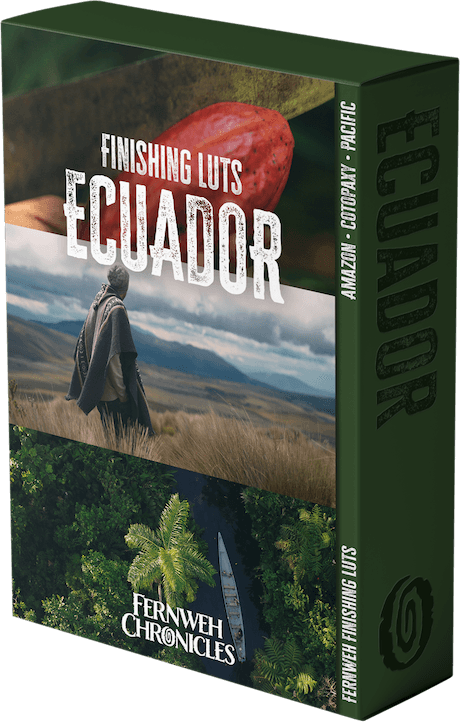
Ecuador
5 LUT packs
2+ hour course
Matte + Natural versions
Any camera
Lifetime commercial license

▶ Over 2 hours · 23 sample shots · Streamed online
Included · For the first time ever online
Two hours. My entire grade.
You’re not just getting the LUTs that made our films look the way they do. For the first time ever, I’m opening up my grading suite: an insider’s look at how I color our films, in one full two hour grade along. You get the same 23 sample shots I work on, so you grade right alongside me, from raw log footage to the finished look.
Every lesson is hosted online, so there’s nothing big to download. Log in with the email you bought with and watch on your laptop, tablet or phone. Not using DaVinci Resolve yet? The free version is all you need to follow along. Only the noise reduction and grain lesson needs Resolve Studio.
“Grading is like cooking. Every node is an ingredient, and the LUT is the seasoning, not the whole meal.”
2+ hours
One complete grade along, start to finish
23 shots
Sample footage included, so you grade with me
Online
Streamed lessons, watch on any device
The node tree you’ll build
01 Denoise
02 CST In
03 Primaries
04 Light
05 Vignette
06 CST Out
07 Fernweh LUT
08 Sharpen
09 Grain
Foundations
What a LUT really does
How a LUT remaps color, and why exposure and white balance must be right before any look can work.
Setup and the node tree
Build it once
Project and color management settings for Mac and Windows, then a node tree you reuse on every film.
The core grade
Lift, gamma and gain
Reading the scopes, setting exposure, and pushing and pulling the wheels until contrast brings the color with it.
LUTs and finishing
One change, every clip
Shared nodes, installing the LUTs, then sharpening, glow, corner blur, grain and noise reduction.
Real world footage
When the light isn’t perfect
Harsh midday sun, candlelit tents, DJI D-Log M and underwater footage shot with a red filter.
Style, matching and story
One film, many cameras
Matching iPhone, drone and cinema camera footage, using light to tell the story, and saving a template project for every future edit.
Drag the sliders
Rec.709 to Fernweh.
Real frames from our films, before and after the full grade. Each LUT carries the look that tied that film together.
Warm, matte & stylized
Africa
Dust, golden savanna light and deep shadows from Namibia, Botswana and the Okavango.
Dark & adventurous
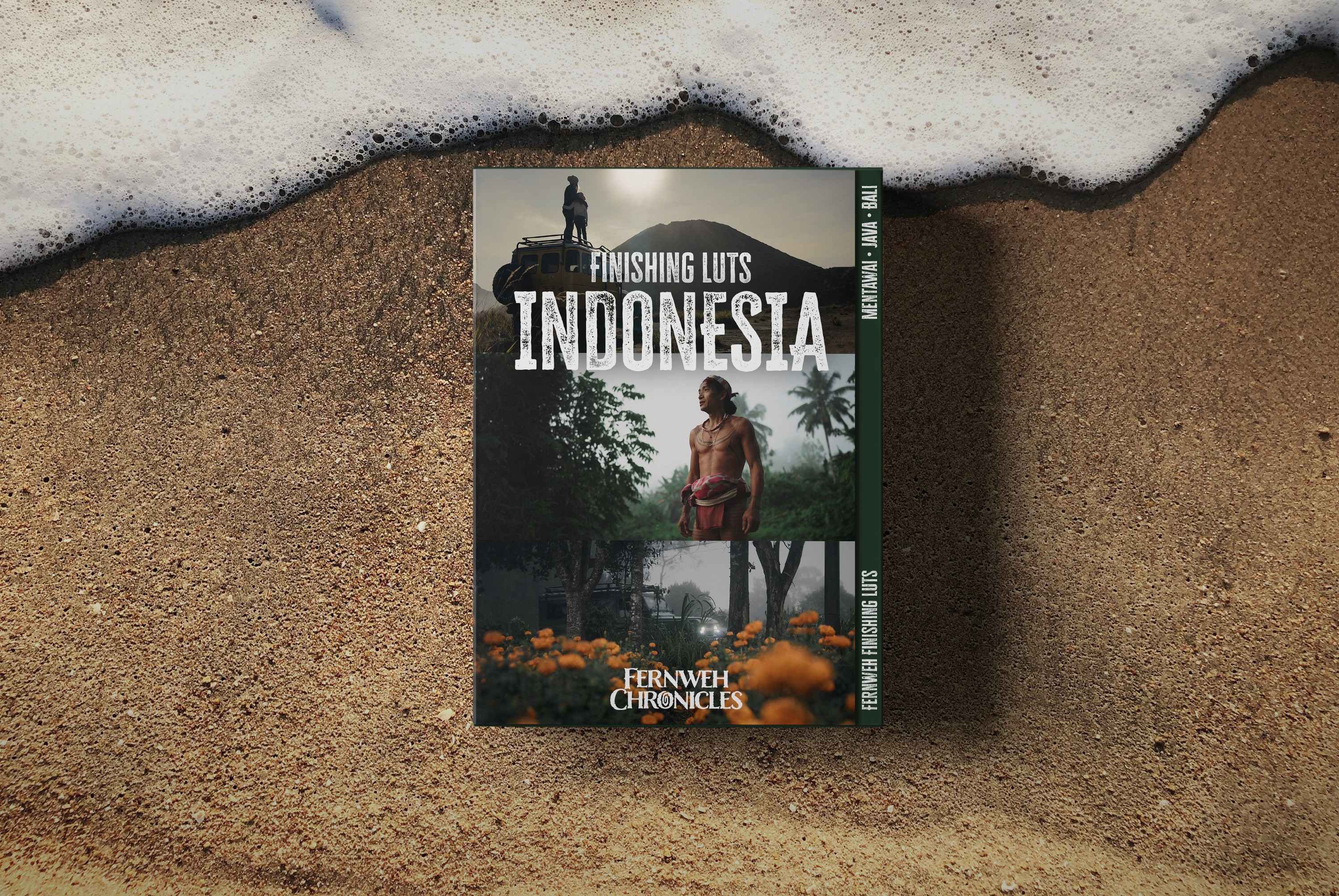
Indonesia + Bhutan
Jungle greens, volcanic grit and ocean blues, plus a bonus analog pair from Bhutan.
Rich, warm & textured
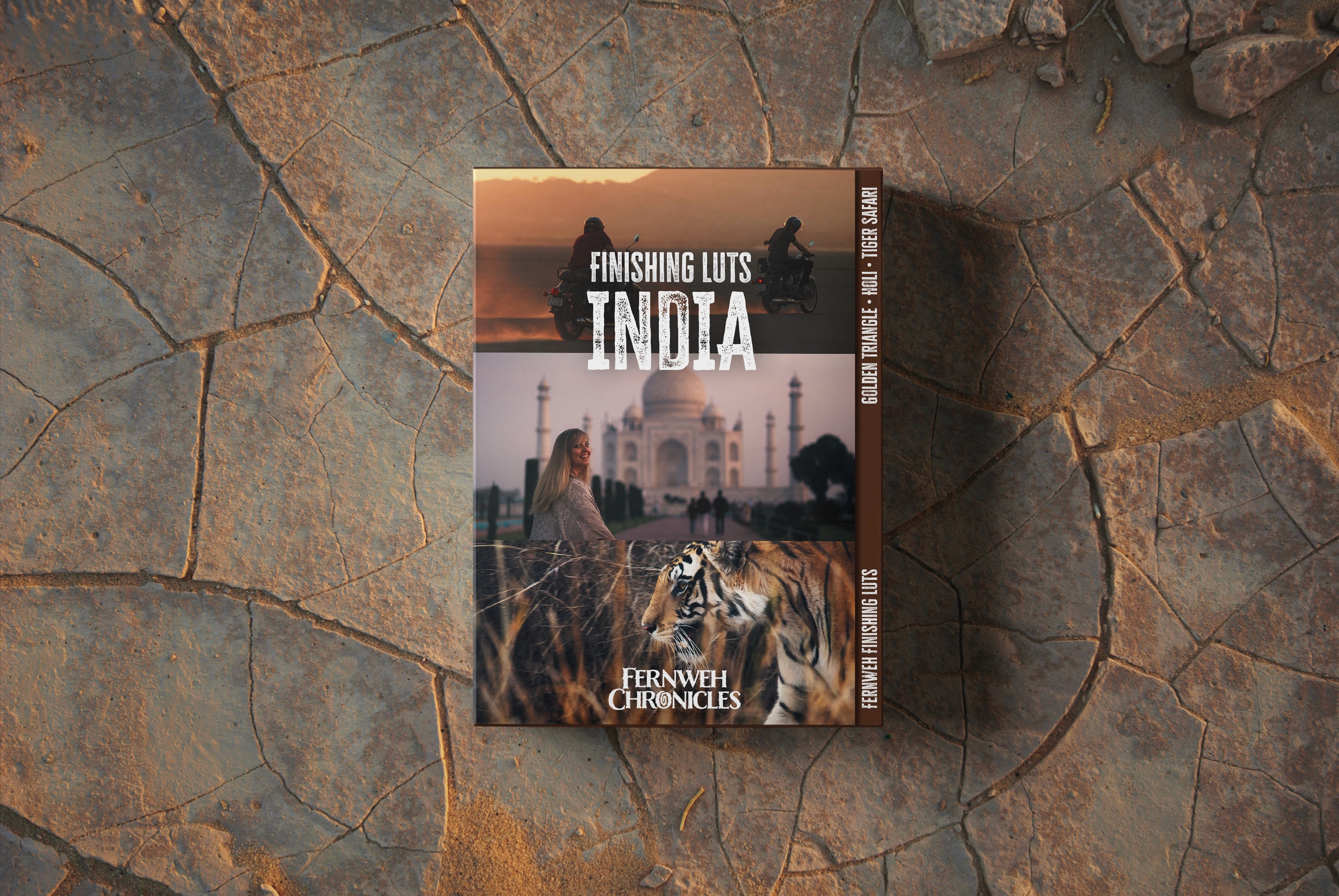
India
Candlelit temples, Holi color and shadowed alleys, built to hold skin tones beautifully.
Lush & vivid
Ecuador
Amazon forest and Pacific ocean tones with a vivid travel film finish.
Brand new pack
Never released
Far Places
Fresh grades from our latest films: Tibet, the Great Wall of China, the Bajau sea nomads of Sulawesi, the Scottish Highlands and India’s Spiti Valley.
In every pack
Two finishes for every look
Cinematic Matte
Lifted blacks and soft highlights, the way I actually use them.
Natural Contrast
Clean, punchy and true to life.
Labeled by film
You always know which story a LUT came from.
And a few extras
Included with every LUT.
Remastered
Every LUT rebuilt with a saturation rolloff, so vivid colors stay clean instead of clipping.
Read Me guide
Workflow, installation and troubleshooting for Resolve, Premiere Pro and Final Cut Pro.
33 point versions
Compatibility files for apps and devices that can’t read 65 point LUTs.
How to use them
Correct first. Then the look.
A LUT won’t fix exposure or white balance. Get those right first, and the LUT ties every shot together into one shared look.
1
Convert
Transform your log footage to Rec.709 with a CST node.
2
Correct
Balance exposure, white balance and contrast so your shots match each other.
3
Apply
Add a Fernweh LUT after CST Out to give the whole film one look, then fine tune strength and pick Matte or Natural.
Works in DaVinci Resolve, Premiere Pro and Final Cut Pro.
Black Friday 2026
The Complete Collection
$119
$79
Bought separately, the five packs ($29 each) and the course ($49) come to $194. You save $115.
Africa, Indonesia + Bhutan, India and Ecuador packs
Far Places, our brand new pack
Full color grading course, over two hours, hosted online ($49 on its own)
23 sample shots to grade along with me
Matte and Natural versions of every look
Read Me guide and 33 point compatibility files
Lifetime commercial license
Instant download · .cube files · Any camera
Already own our LUTs?
We haven’t forgotten you.
If you’ve bought from us before, you get an extra discount on top of the Black Friday price. We’re emailing every past customer a personal code to use at checkout.
You own 1 pack
extra $15 off
$64
You own 2 packs
extra $30 off
$49
You own 3+ packs or last year’s Complete Collection
extra $45 off
$34
No code in your inbox? Email support@fernwehchronicles.com from the address you bought with and we’ll send it over.
One license, every project
Commercial lifetime license.
Every purchase covers personal and commercial work, whether you’re grading a YouTube video, a short film or a client commercial. Buy once and use the LUTs on all your projects, forever.










FAQ
What are LUTs?
LUTs, or Look-Up Tables, are a powerful post-production tool that can change the color and tone of your videos. They work by remapping color values, allowing you to apply complex color grades quickly and consistently across multiple clips. You can use LUTs in various video editing software like DaVinci Resolve, Adobe Premiere Pro & Final Cut Pro. These LUTs are designed for use with Rec.709 footage. This means they should be applied after you've finished editing in your preferred color space, such as DaVinci Wide Gamut, or after applying a technical LUT to convert your footage from LOG format. Essentially, apply these LUTs as a final step in your color grading process to unify your look.
What is your refund policy?
Because our LUTs and courses are digital and available the moment you buy, we don’t offer refunds if you simply change your mind. If something doesn’t work, for example a LUT won’t load in your editing software, a download fails or you can’t get into a course you bought, email support@fernwehchronicles.com within 14 days of your purchase. We’ll fix it, and if we can’t, you’ll get a full refund. This doesn’t affect any rights you have under the law where you live.
How do I receive my LUTs?
After completing your purchase, you will receive an email with a download link to your LUTs. Please ensure that your email address is correct at checkout so you can receive your download link. The LUTs are delivered as digital files in .cube format, which you can download directly to your computer or storage device. If you don't receive your confirmation email with the download link within a few minutes after purchase, please check your spam or junk folder, and contact us for customer support at support@fernwehchronicles.com if you need any additional help.